Description
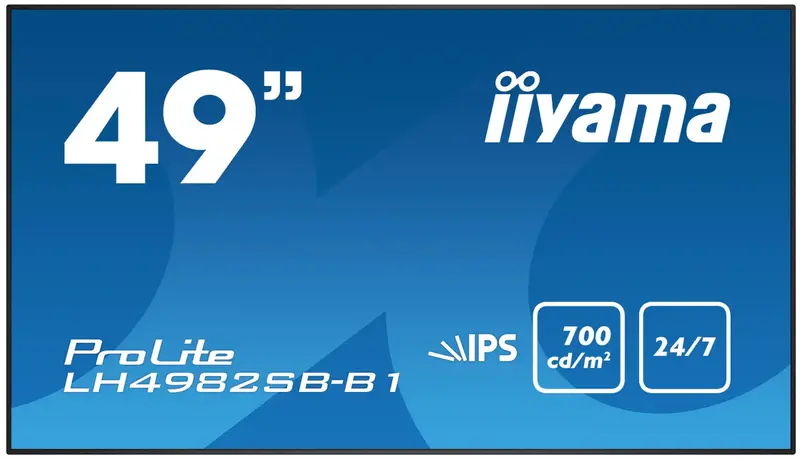
iiyama ProLite LH4982SB-B1
49″ Professional Large Format Display
- Description
- Specifications
- Warranty
-
Maximum impact with this 49” Digital signage LFD with 700cd/m2
The ProLite LH4982SB-B1 professional large format display is the ideal digital signage solution for companies that want maximum impact and maximum flexibility. The slim design and ultra-thin metal bezel combined with the higher-brightness – 700cd/m2 – IPS panel, 24/7 operating time and landscape/portrait orientation ensures optimal fit in almost any digital signage set-up, incl. video walls. The LED-backlit technology guarantees low power consumption and together with the active cooling ensures a reliable long-term operation. It can be operated via LAN network, RS232 or via an OPS plug-in PC.
-
Design Ultra-thin bezel Diagonal 48.5″, 123.2cm Panel IPS LED, matte finish, haze 10% Native resolution 1920 x 1080 (2.1 megapixels Full HD) Aspect ratio 16:9 Panel brightness 700 cd/m² Static contrast 1300:1 Response time (GTG) 8ms Viewing zone horizontal/vertical: 178°/178°, right/left: 89°/89°, up/down: 89°/89° Colour support 1.07B 10bit (8bit + Hi-FRC) Horizontal Sync 30.0 – 83kHz Viewable area W x H 1073.8 x 604mm, 42.3 x 23.8″ Pixel pitch 0.55926mm Bezel colour and finish black, matte -
Warranty Product Cover Visioncare Desktop LCD products (Monitors) (17″ – 43″) 3 years on-site UK warranty. (Upgrades to 5 years available) Touchcare LCD touchscreen products 3 years repair and return. (Upgrades to on-site & 5 years available) LFD Large Format Displays Standard Warranty 3 years collect and return (Upgrade to swap, installation & 5 years available) Download
HOW TO ACTIVATE YOUR WARRANTY
There is no need to pre-register your warranty, just follow the six simple steps below to activate your warranty should the need arise. First-class service is assured by our experienced engineers and customer service helpdesk.
Step one – Check that all connections have been properly made.
Step two – Check the set-up in the user manual. Wherever possible, please try to check your iiyama product with alternate equipment before contacting the iiyama customer service help desk.
Step three – If the fault cannot be cured by the above means, call the iiyama customer service helpdesk on 01926 819 189. Please have ready to hand the following details: model number, serial number and date of purchase*. Or fill in the Service Request Form.
Step four – Your fault will be registered and you will be issued with a returns number, which you must quote on all paperwork relating to the defective unit.
Step five – Please retain any of your leads and manuals. Replacement/returned units will not include these sundry items.
Step six – Please ensure your product is clean and presentable before packaging it in the original box for collection.
* Proof of purchase may be requiredON-SITE SWAP OUT
PIONEERING CUSTOMER SERVICE.
Explore more from our collection.


Reviews
There are no reviews yet.