Description
- Description
- Specifications
- Warranty
-
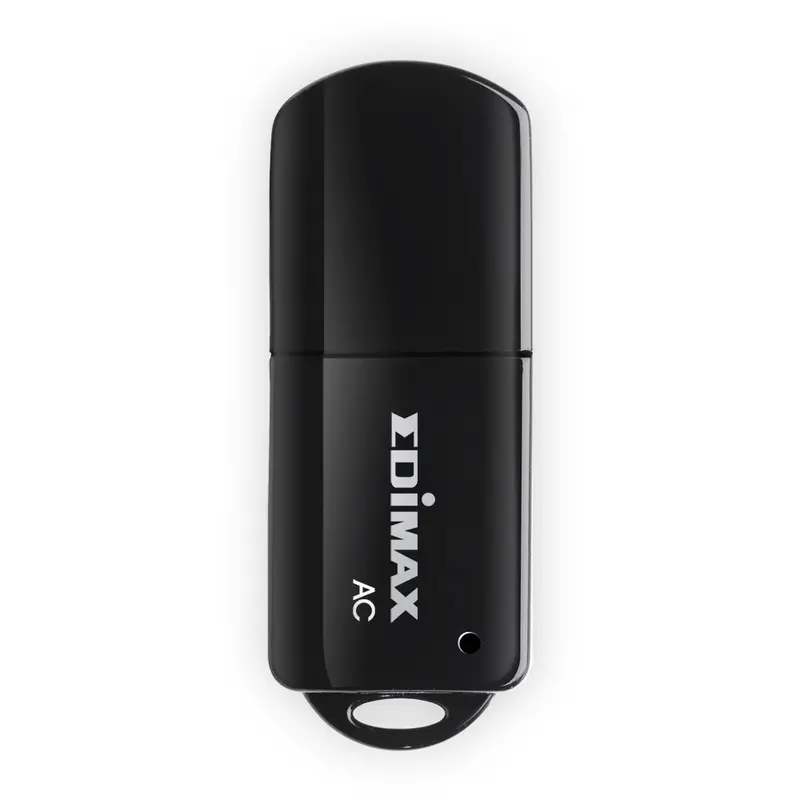
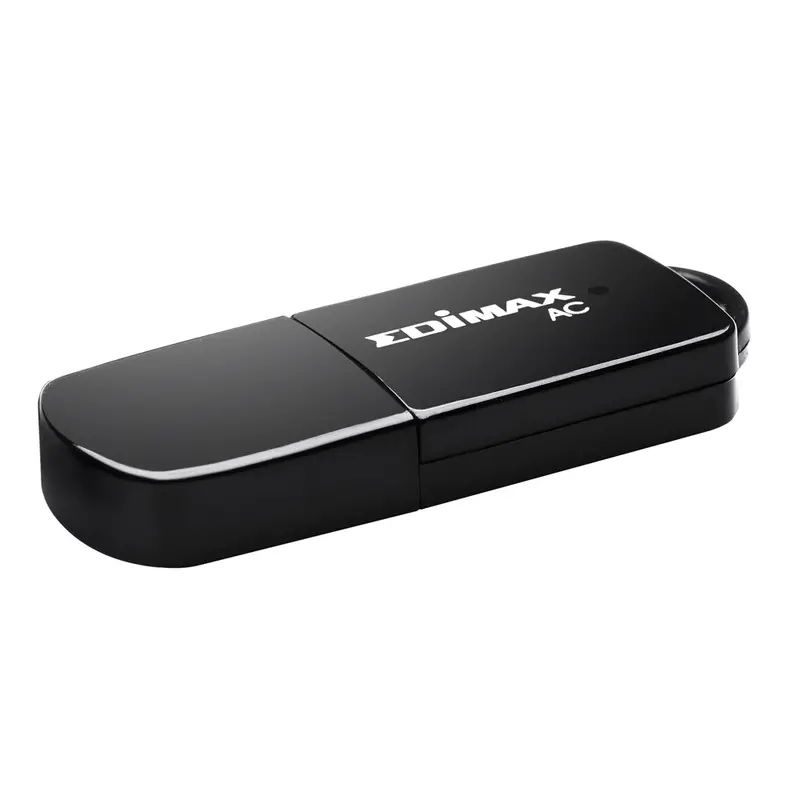
EW-7811UTC
Wireless Dual-Band Mini USB Adapter
Upgrade your wireless device to dual-band 802.11ac with the fastest possible USB 2.0 connectivity for blistering Wi-Fi speeds on the interference free 5Ghz frequency band. The Edimax EW-7811UTC is the next generation of Wi-Fi adapter, compatible with the draft 802.11ac standard and delivering speeds of up to 433Mbps at 5GHz – almost three times as fast as 802.11n. Upgrade the professional large format displays of the 40 series, 42 series and 46 series to super high speed 802.11ac Wi-Fi and enjoy streaming video and data.
The EW-7811UTC has a one-click Wi-Fi Protected Setup (WPS) button to help you set up and activate a secure wireless network in a snap.
-
DEVICE
Operating system Windows XP/Vista/7/8, Linux and Mac OS X drivers TECHNICAL SPECIFICATION
WiFi standard 2.4GHz: IEEE 802.11b/g/n, 5GHz: IEEE 802.11ac (Draft), 802.11a/n SUSTAINABILITY
Regulations CE, FCC-B DIMENSIONS / WEIGHT
Product dimensions L x W x H 35 x 15 x 6mm EAN code 4710700929766 ENVIRONMENTAL CONDITIONS
Operation temperature range 0°C – 40°C -
Warranty Product Cover Visioncare Desktop LCD products (Monitors) (17″ – 43″) 3 years on-site UK warranty. (Upgrades to 5 years available) Touchcare LCD touchscreen products 3 years repair and return. (Upgrades to on-site & 5 years available) LFD Large Format Displays Standard Warranty 3 years collect and return (Upgrade to swap, installation & 5 years available) Download
HOW TO ACTIVATE YOUR WARRANTY
There is no need to pre-register your warranty, just follow the six simple steps below to activate your warranty should the need arise. First-class service is assured by our experienced engineers and customer service helpdesk.
Step one – Check that all connections have been properly made.
Step two – Check the set-up in the user manual. Wherever possible, please try to check your iiyama product with alternate equipment before contacting the iiyama customer service help desk.
Step three – If the fault cannot be cured by the above means, call the iiyama customer service helpdesk on 01926 819 189. Please have ready to hand the following details: model number, serial number and date of purchase*. Or fill in the Service Request Form.
Step four – Your fault will be registered and you will be issued with a returns number, which you must quote on all paperwork relating to the defective unit.
Step five – Please retain any of your leads and manuals. Replacement/returned units will not include these sundry items.
Step six – Please ensure your product is clean and presentable before packaging it in the original box for collection.
* Proof of purchase may be requiredON-SITE SWAP OUT
PIONEERING CUSTOMER SERVICE.
Explore more from our collection.


Reviews
There are no reviews yet.